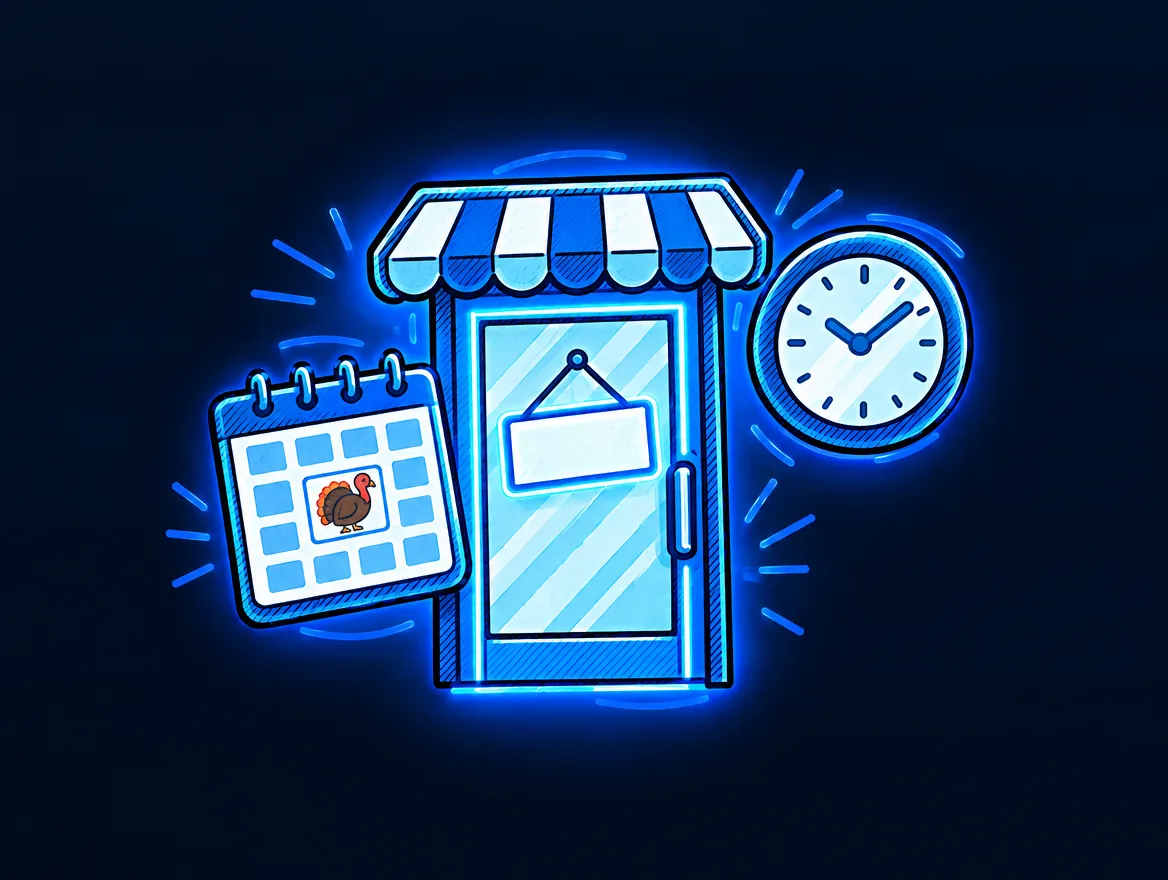
If you only do one thing on your Google Business Profile this month, set your holiday hours. It takes about ten minutes, and it keeps someone from driving across town on Black Friday because Google said you were open. Google Business Profile holiday hours are called "special hours," and you can set every date through New Year's in one sitting.
Here's the 2026 date list, the steps from Google's own help page, the settings people trip over and the other listings to update the same day.
Why wrong holiday hours cost you more than one sale
A customer who shows up to a locked door doesn't just lose a trip. They lose trust. Next time, they check a competitor first, or they leave a review about it.
Here's a made-up example to show the math. A sample gift shop is closed Thanksgiving but Google shows regular hours. Five people drive over, find the door locked and go home annoyed. Maybe one leaves a one-star review that sits on the profile for years. Five lost visits is bad. The review keeps costing you long after the holiday is over. Ten minutes of setup is cheap insurance against that.
Google also nudges you. Its holiday hours page says a warning may appear on your profile telling people your hours might differ around holidays, and that you can set special hours in advance for those dates. Nobody wants "hours might differ" sitting on their listing during the busiest week of the year.
And hours are part of how Google expects you to represent your business. Its guidelines ask for your regular customer-facing hours and point you to special hours for holidays and events.
The number on this site is an AI agent. Ask it to help you get your holiday hours right everywhere and it will book a 30-minute call with me.
The 2026 holiday hours list for Google special hours
These are the dates most St. Louis businesses should decide on now, including the days you're open as usual.
| Date | Day | What to decide |
|---|---|---|
| Thanksgiving, Nov 26, 2026 | Thursday | Closed, or short hours? |
| Black Friday, Nov 27 | Friday | Open late, regular or closed? |
| Small Business Saturday, Nov 28 | Saturday | Shops: extended hours? |
| Christmas Eve, Dec 24 | Thursday | Early close is common |
| Christmas Day, Dec 25 | Friday | Usually closed |
| New Year's Eve, Dec 31 | Thursday | Early close? |
| New Year's Day, Jan 1, 2027 | Friday | Closed or regular? |
Google's special hours help page says it's a good idea to confirm your hours for holidays even if they're the same as your regular hours. That tells customers your hours for that day are accurate. So if you're open normal hours on Black Friday, still enter them.
How to set Google Business Profile holiday hours, step by step
From Google's special hours help page, as of this writing:
- Go to your Business Profile. Google's help page links straight to business.google.com. Sign in with the account that manages your profile.
- Select Edit profile, then Hours.
- Next to "Special hours," select Edit.
- Pick the date. Google may suggest upcoming holidays. Select Review to confirm one, or Add a date for a custom date.
- Set the hours. If you're open, uncheck Closed and enter open and close times. If you're closed, leave Closed checked. Need a split day? Use More, then Add hours.
- Select Save.
Three settings trip people up:
- Your profile must be set to "Open with main hours." Google says special hours won't show on your profile otherwise.
- Overnight hours get split. A set of special hours can't run past 24 hours. If you're open past midnight, enter one set until midnight and another starting at midnight the next day.
- Several locations? Google's bulk spreadsheet has a "Special hours" column, so you can load every location at once.
Google special hours vs. more hours vs. temporarily closed
Google has three tools that sound alike. Use the right one.
| Situation | Use this | Per Google |
|---|---|---|
| A holiday or one-off change, up to 6 days in a row | Special hours | Keeps your regular hours untouched |
| Separate times for a service, like pickup or senior hours | More hours | For specific services with different times |
| Closed 7 or more days in a row, or for an unknown time | Temporarily closed | Switch back when you reopen |
If you're closing between Christmas and New Year's, count the days. Six or fewer, use special hours. Seven or more, Google says to mark the business temporarily closed.
Free tool
AI answers show your hours too. The free AI visibility check asks an AI model who it recommends for your service in your city and shows whether your business came up, and who did.
Update holiday hours on Google Maps, then everywhere else
Your Business Profile is what shows on Google Search and Google Maps, so that one edit covers both. But customers check other places too, and conflicting hours look careless. Keeping all of these in sync is a big part of Google Business Profile management. Do these the same day:
- Your website. Update the footer, contact page and any hours on your homepage. Add a short holiday note people can't miss.
- Apple Maps. Apple Business (formerly Business Connect) lets you add holiday open hours and holiday closed hours as special hours, per Apple's help guide.
- Bing. Log into Bing Places for Business and check the hours on your listing, using Bing's listing help.
- Yelp. On biz.yelp.com or the Yelp for Business app, use "Upcoming special hours," per Yelp's help article.
- Facebook. Meta's help page for Page hours covers daily hours, temporarily closed and similar options. For a holiday schedule, post it and pin the post.
- Your phone. Update the voicemail greeting or after-hours message for the holiday days.
- Your ads. If you run Google or Facebook ads, decide whether they should run on days you're closed.
While you're in your profile, post about it too. A Google update announcing your holiday hours is an easy, useful post. Here's more on what to post on your Google Business Profile.
After the holidays: what to undo
Good news: Google special hours only apply to the dates you set. Google's help page says special hours appear to customers only for the designated days, and your regular hours stay in place. So there's nothing to switch back on January 2.
The exception is "temporarily closed." If you used it for a longer break, you have to reopen the profile yourself when you're back. Put a reminder on your calendar for the morning you reopen, and do the same for any "closed" note on Yelp or Facebook. A profile that still says closed in mid-January is as bad as one that said open on Christmas.
A 10-minute holiday hours checklist
Holiday hours checklist, 2026:
1. Decide hours for Nov 26, 27, 28, Dec 24, 25, 31 and Jan 1.
2. Enter each in Google special hours, including days you're open as normal.
3. Confirm the profile is set to "Open with main hours."
4. Update your website footer and contact page.
5. Update Apple Business, Bing Places and Yelp.
6. Post your holiday schedule on Facebook and pin it.
7. Post a Google update with the same schedule.
8. Change your voicemail greeting for closed days.
9. Search your business on Google and Apple Maps from your phone to confirm it shows right.
Free checklist
Do the rest of your profile while you're in there. The Google Business Profile checklist covers every field worth filling in.
If your profile has bigger problems than hours, start with what to do if your Google Business Profile is suspended. And if you'd rather never think about this again, holiday hours, posts and listing updates are part of my social and Google Business Profile management. A full quarter of posts gets produced up front, so holiday posts are planned long before the holidays show up. You own the profile; I'm just added as a manager. See why it matters in your Google Business Profile is your new homepage.
Quick answers
How far ahead can I set holiday hours on Google?
Google lets you add special hours for specific future dates, so you can set Thanksgiving through New Year's in one sitting today. Google's help page suggests setting holiday hours in advance and confirming them even when they match your regular hours, so customers can trust what they see. Do it before the week of the holiday.
Should I set special hours if I'm open my normal hours on a holiday?
Yes. Google's special hours help page says it's a good idea to confirm your hours for holidays even if they're the same as your regular hours. It tells customers the hours are accurate for that day, instead of leaving them to wonder whether you remembered to update anything.
What if I'm closed for a week or more over the holidays?
Special hours cover short changes. Google says you can use them if you adjust your hours or stay closed for up to 6 days in a row. If you're closed 7 or more days in a row, Google says to mark the business as temporarily closed instead, then switch it back when you reopen.

Alex Lamy16+ years in marketing, from radio to agencies to running his own shop. Now he runs a team of AI agents that do the marketing for St. Louis small businesses. You talk to him, and he checks every piece.
Want this handled?
Starting at $499 a month. You work straight with me, and you can cancel any month. My AI agents do the production, I check every piece, and we meet every week. You own everything.